
 English
 اللغة العربية
  Bahasa Indonesia
  日本語
日本語  Bahasa Melayu
  ภาษาไทย
  Tiếng Việt
  简体中文
简体中文  Your AI work assistant
You set the goal.
AI delivers the result.
From source material to a polished deliverable.
Let QwenWork help you research, analyze and create,
so you can focus on the work that needs you.
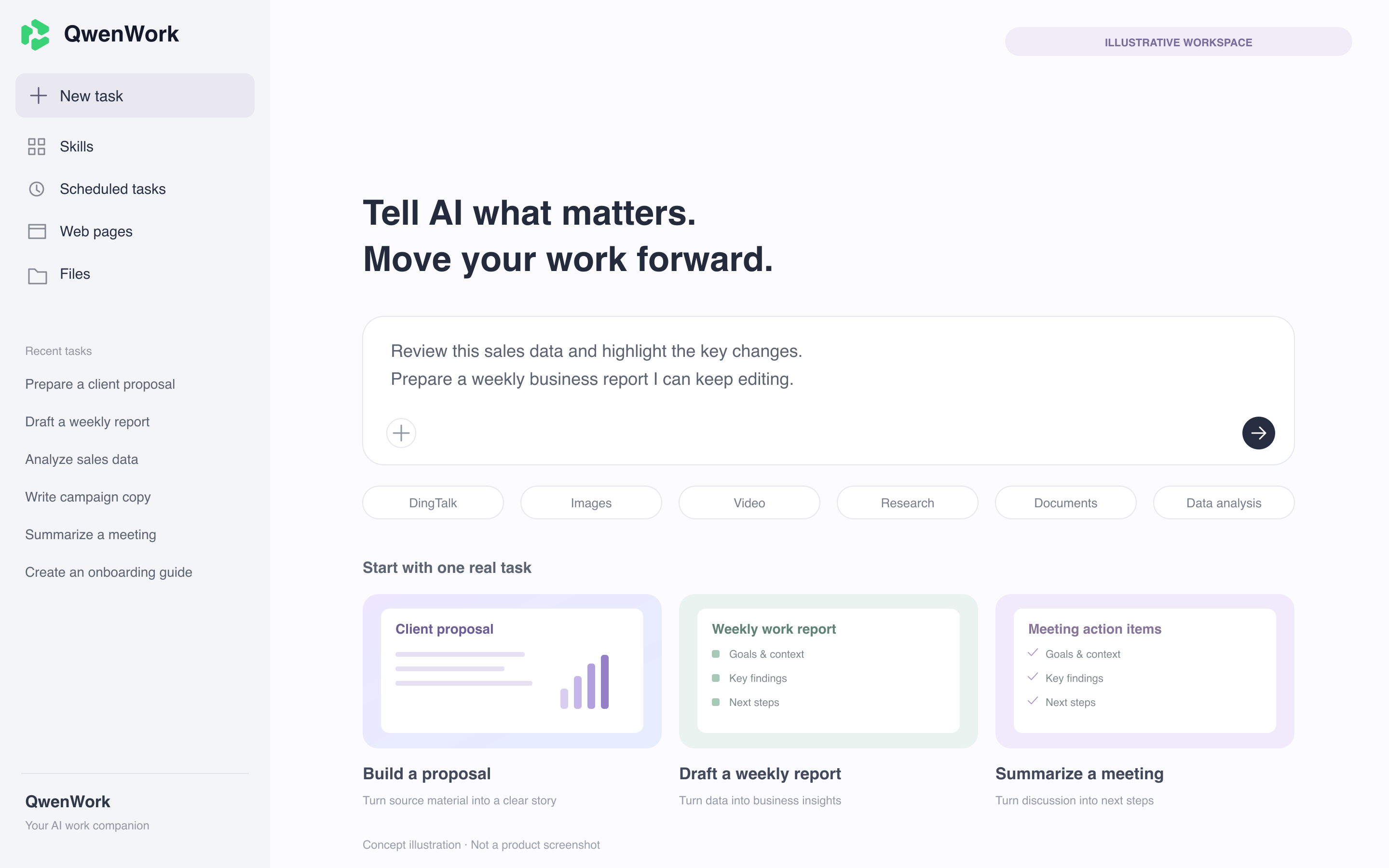
The conversation starts it.
The result makes it count.
Go beyond an answer and move tasks toward your goal.
Turn scattered information into results you can edit, use and share.
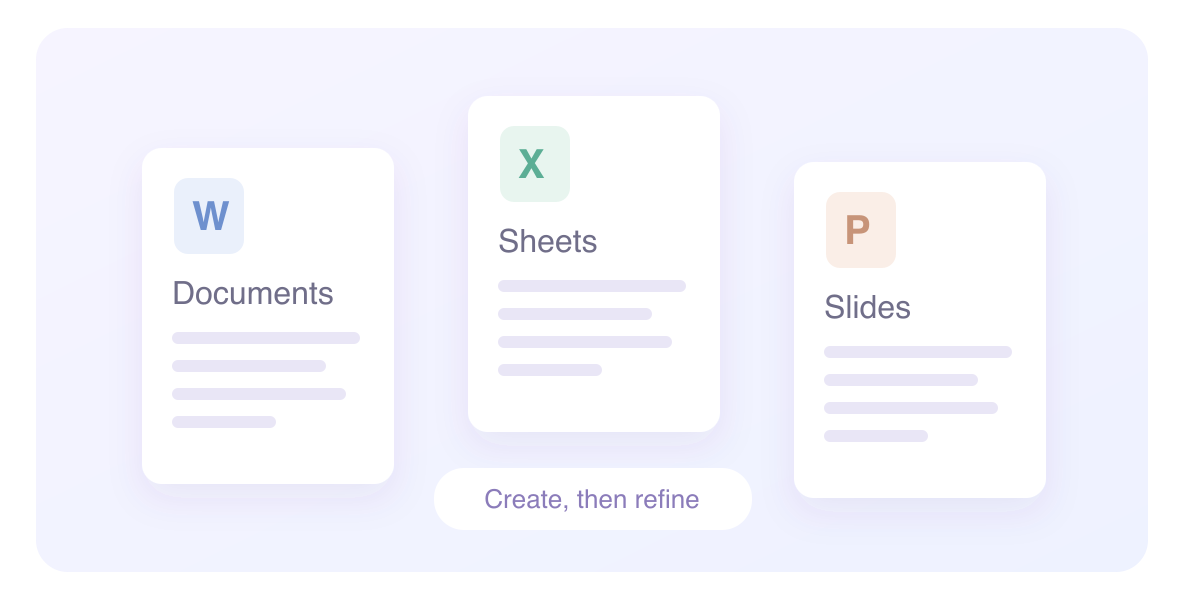
Turn ideas into professional work
Connect content creation, previewing and editing, from drafting reports and organizing spreadsheets to building presentations.
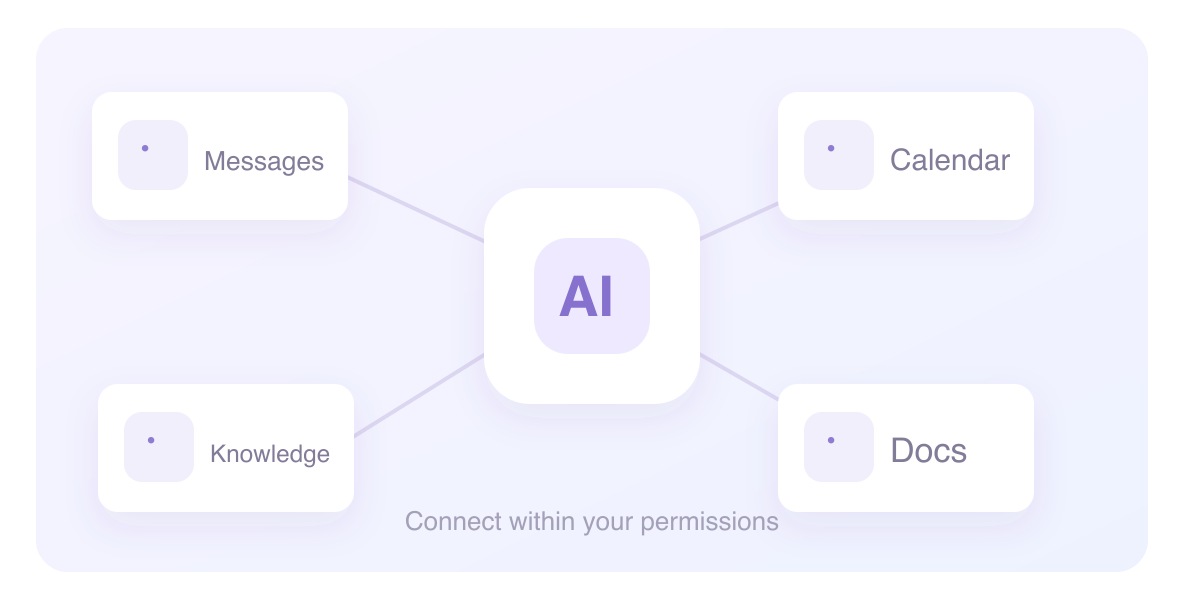
Bring AI into collaboration
Connect messages, calendars, documents and business knowledge, bringing information and work together within your permissions.
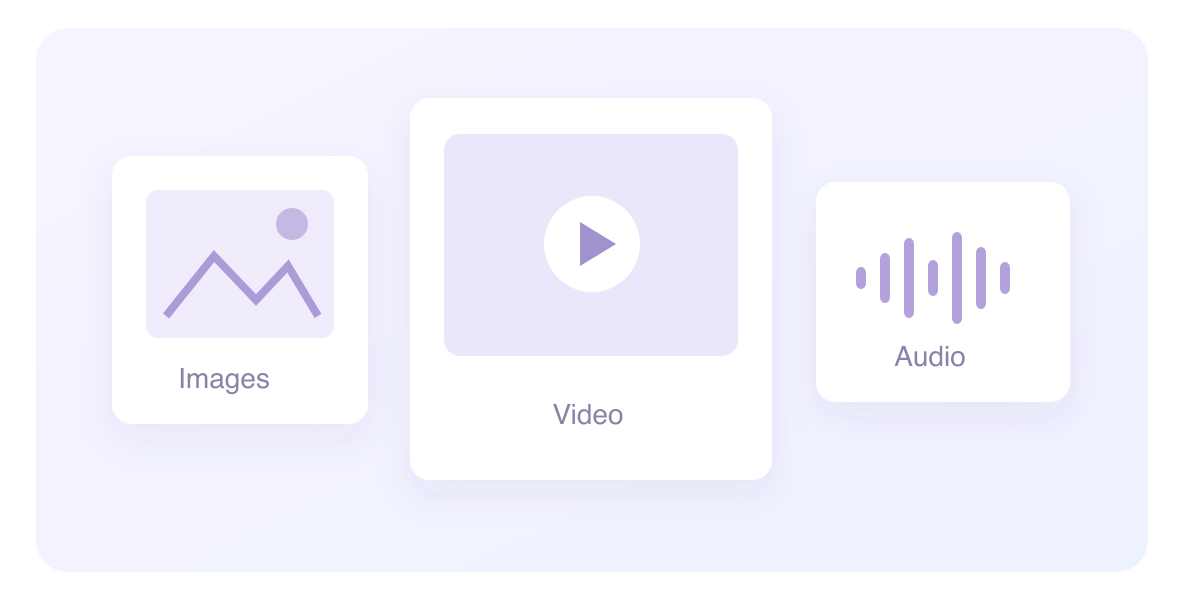
Understand more kinds of material
Work with images, audio and video to extract key points, organize information and create content.
Give your idea a website
Use natural language to move from a page concept to interaction and publishing, showcasing your projects and ideas.
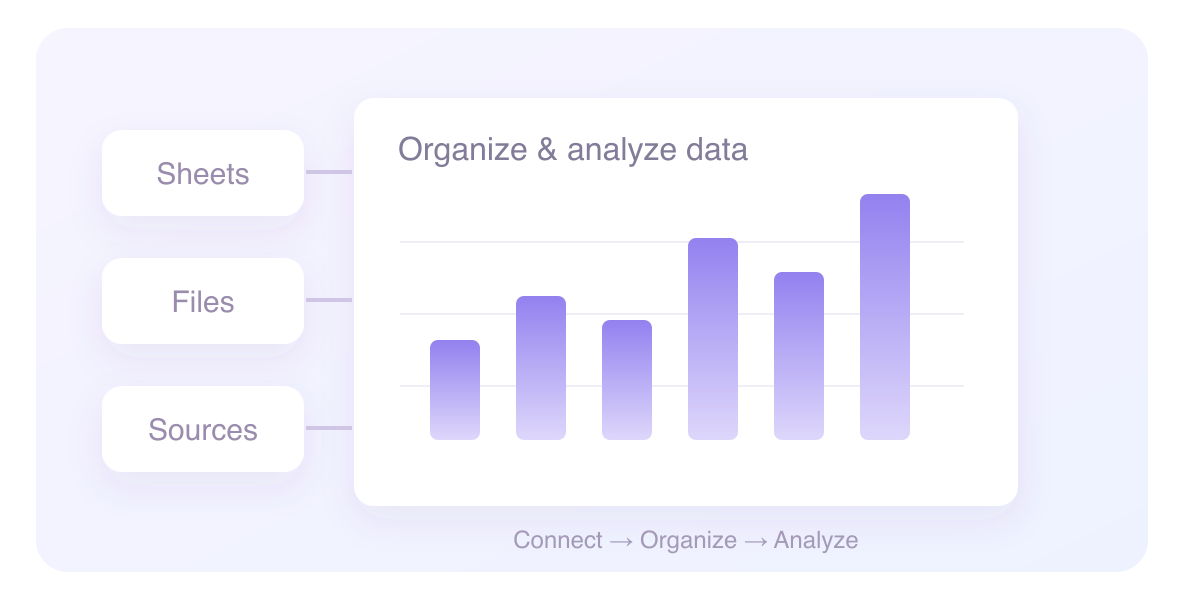
Turn scattered data into insights
Use available data sources and connectors to organize business and content information for further analysis.
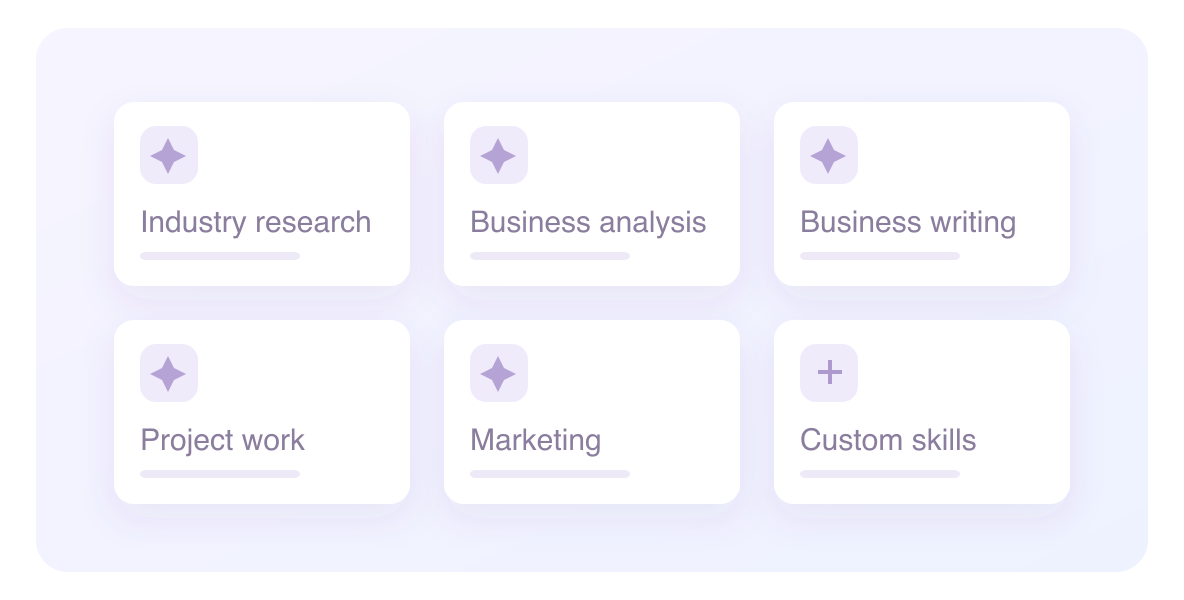
Turn good methods into reusable skills
Choose role-specific skills and expert toolkits, or create your own skills to give recurring work a repeatable structure.
Your everyday work.
A place for AI to help.
Start with one specific task.
Explore another way to handle
the work that takes up your day.
A pile of business data.
A clearer next step.
Sales, costs and store performance spread across different spreadsheets? Let AI organize the data, compare changes and bring the issues worth exploring into view.
“Analyze this store sales sheet, compare revenue and gross profit across stores, and prepare a weekly business report.”
See the changes in one chart.
Your materials are ready.
Bring the proposal together.
Customer background, product information and meeting notes need not be pieced together from scratch. Outline the proposal, then organize key points into editable slides and plans.
“Use the customer requirements and product materials to prepare a proposal covering needs, recommendations and next steps.”
Recurring admin work.
A calmer way to manage it.
Bring onboarding materials, policies and training information together. Let AI help draft guides and checklists so you can spend more time talking with people.
“Use these onboarding materials to prepare a guide for new employees and list the points that need confirmation.”
Welcome. Let's get started.
A good idea
can go beyond a document.
From campaign concepts and copy to a web presence, turn scattered ideas into structured content and refine it in your brand's style.
“Use this campaign brief to draft promotional copy and build a web page presenting the event.”
Good ideas
deserve to be seen.
A conversation about creativity, work and the future
Explore the event →In the tools you know,
meet an AI work companion.
DingTalk connects teams and business, while QwenWork helps move tasks and deliverables forward. Turn collaboration information into next steps around real work scenarios.
Explore the official workflowBusiness connections and actions depend on account permissions, enabled features and authorization.
Start with the work in front of you
Describe your goal and provide files, context and delivery requirements.
Refine it together, step by step
Review progress, add information and keep adjusting the result.
Let the deliverable be a new starting point
Review, edit, export or share, bringing the result back into your work.
Start with a report,
or an idea worth exploring.
Open the web app or download the client to try your first AI work task.
Before you begin,
here's what you may want to know.
Have another question?
You're welcome to contact us.
What is QwenWork?
QwenWork is an all-in-one AI productivity platform, deeply integrated with the DingTalk ecosystem. It brings together multimodal generation, website creation, professional data sources, Office tools, browser automation and scheduled tasks to help businesses and individuals move everyday office work from manual operations to AI execution.
Do I need to install software first?
You can start with the official web app or download a client for your device. Features can differ between versions; refer to the versions and information currently provided by the product.View the official download page。
Can I use it with DingTalk?
The product provides DingTalk QR-code sign-in and access within DingTalk, and describes business IM capabilities. Available entry points, readable information and actions depend on your organization's setup, account permissions and authorization.
How can a business choose a suitable use case?
Start with a task that has a clear goal, complete materials and an easily reviewed result, such as a weekly business report, sales proposal or information-organizing task. Tell us your team size, current process and expected deliverable so we can explore a suitable starting point together.
How do I find out about pricing and regional availability?
QwenWork has different pricing plans for individual and business use. Fees, usage allowances and service details depend on the selected plan. For subscriptions, sign-in requirements and regional availability, please contact us to find a suitable plan.
For your next task,
try working with AI.
Tell us what you want to solve,
and explore QwenWork through one concrete use case.
Using DingTalk: Before & After
Before
- × Team Chaos: Team members are all busy with their own tasks, standards are inconsistent, and the more communication there is, the more chaotic things become, leading to decreased motivation.
- × Info Silos: Important information is scattered across WhatsApp/group chats, emails, Excel spreadsheets, and numerous apps, often resulting in lost, missed, or misdirected messages.
- × Manual Workflow: Tasks are still handled manually: approvals, scheduling, repair requests, store visits, and reports are all slow, hindering frontline responsiveness.
- × Admin Burden: Clocking in, leave requests, overtime, and payroll are handled in different systems or calculated using spreadsheets, leading to time-consuming statistics and errors.
After
- ✓ Unified Platform: By using a unified platform to bring people and tasks together, communication flows smoothly, collaboration improves, and turnover rates are more easily reduced.
- ✓ Official Channel: Information has an "official channel": whoever is entitled to see it can see it, it can be tracked and reviewed, and there's no fear of messages being skipped.
- ✓ Digital Agility: Processes run online: approvals are faster, tasks are clearer, and store/on-site feedback is more timely, directly improving overall efficiency.
- ✓ Automated HR: Clocking in, leave requests, and overtime are automatically summarized, and attendance reports can be exported with one click for easy payroll calculation.
Operate smarter, spend less
Streamline ops, reduce costs, and keep HQ and frontline in sync—all in one platform.
9.5x
Operational efficiency
72%
Cost savings
35%
Faster team syncs
Want to a Free Trial? Please book our Demo meeting with our AI specilist as below link:
https://www.dingtalk-global.com/contact
